Your Guide to Business Card Paper, Stock & Finishes: Metal, Plastic, Foil, Embossing & More
 Posted By Custom Ink Staff —
The Custom Ink Staff is a team of design enthusiasts and promo product experts dedicated to bringing your ideas to life. From screen printing secrets to the latest trends in custom gear, we draw on decades of collective experience to help you create something unforgettable.
SHARE:


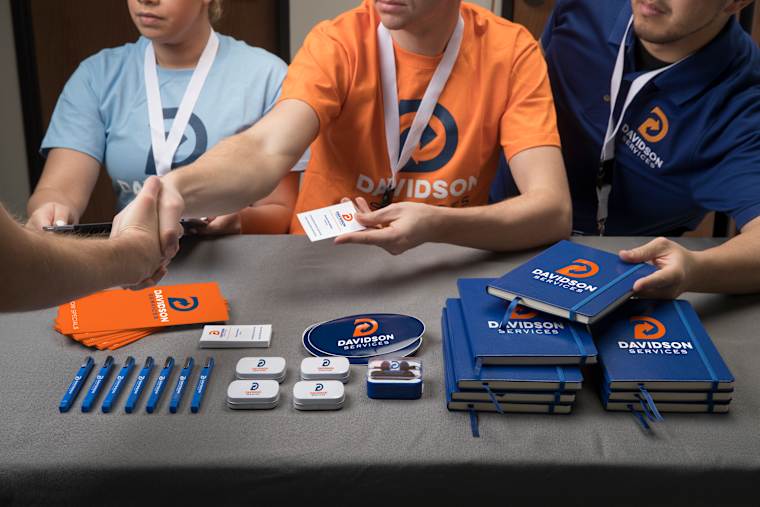
People judge a business card with their fingers before they read a word. The paper weight and finish decide whether your card feels like a handshake or a flyer.
For most people, the best business card paper is a thick, matte stock. It looks clean, takes a pen easily for quick notes, and costs less than specialty alternatives. You only need to upgrade to plastic, magnets, or NFC tap cards when your business card has a specific job to do beyond sharing contact info.
This guide breaks down business card stock weights, finishes and materials, so you can choose with confidence.
All ready to order? Browse our custom business cards.
In This Article
- Best Paper for Business Cards
- Paper Weight and Thickness
- Matte vs. Glossy and Paper Types
- Foil, Embossing, Spot UV and Letterpress
- Plastic, Metal and Other Materials
- How to Choose
- Frequently Asked Questions
Key Takeaways
- 30% of swag organizers name “quality looking cheap in person” as their biggest worry (2026 Unsung Hero Survey). Stock weight is the fastest way to avoid that.
- On the cover scale, 100 lb is about 270 gsm and 120 lb is about 325 gsm. Never compare a cover weight with a text weight, because 80 lb text is only about 118 gsm.
- A credit card is 0.76 mm thick, about 30 pt. Our clear plastic card matches it at 0.030 inch, and a 32 pt paper card comes close.
What Is the Best Paper for Business Cards?
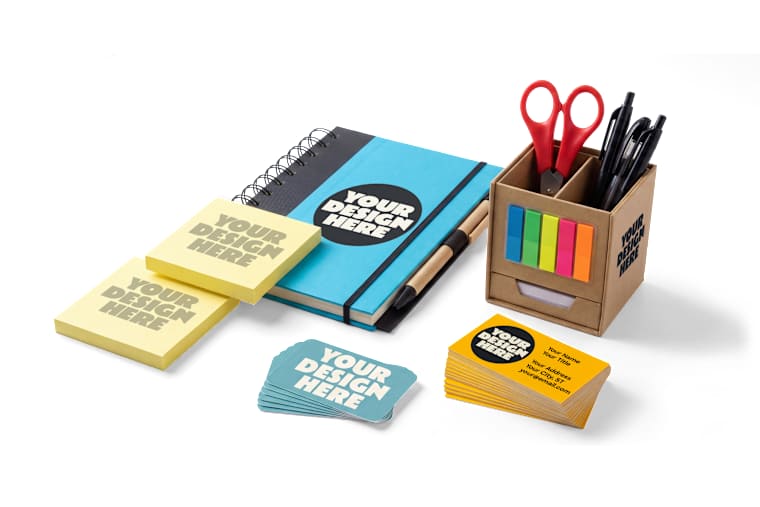
The best business card paper for most people is thick, matte cardstock. Thick stock signals quality the moment someone takes the card. Matte stock cuts glare and can be written on with pen, so people can jot down a number on the back.
Our Full Color 2″ x 3.5″ Horizontal Business Cards follow this approach: 120# cardstock with a matte finish and a water-based aqueous coating that adds scratch- and scuff-resistance.
Quality is a real worry. In our 2026 Unsung Hero Survey of over 500 people who order custom gear, 30% said their biggest worry when ordering is that the quality will look cheap in person. That concern comes in ahead of design errors (28%) and late delivery (22%). Our 2026 Swag Trends Survey points the same way. Of 1,000+ buyers, 44.4% said longevity and quality matter most when choosing non-apparel promotional products. A flimsy card undercuts the brand it carries.
Can you print business cards at home?
You can print business cards at home using perforated business card paper made for home inkjet and laser printers. It is a convenient option when you only need a small batch quickly, though you sacrifice control over paper thickness and clean, smooth edges.
Every home printer has a maximum paper weight it can feed without jamming, so check your model’s specifications before buying heavy cardstock. When you are handing cards directly to clients, a professionally printed order on thick stock delivers a much cleaner, more polished impression.
How Do Business Card Paper Weight and Thickness Work?
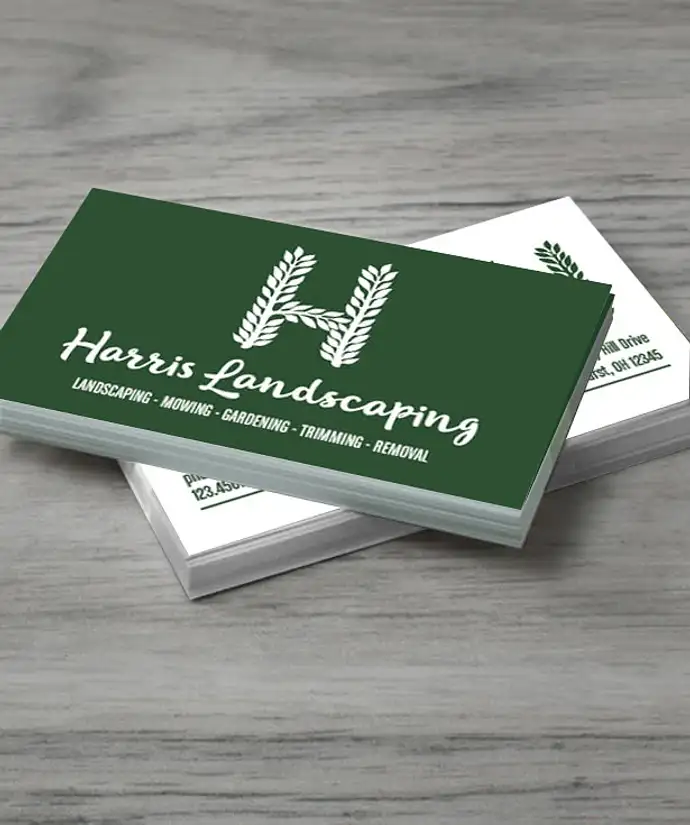
Printers measure business card stock in three ways, depending on whether they are talking about how heavy the paper is or how thick it feels in your hand:
- Pounds (lb): The standard US weight measurement. Because printing presses categorize paper into different scales based on sheet density, business cards are measured on the heavy “cover” scale rather than the lighter “text” scale used for everyday office paper.
- Grams per square meter (gsm): The universal metric weight measurement. Because it always weighs the exact same square area of paper, gsm is the clearest, most consistent way to compare stock weights worldwide.
- Points (pt): A measurement of physical thickness rather than weight. According to Red River Paper, one point equals 0.001 inches, meaning a 14 pt card is 0.014 inches thick.
The table below converts cover weights to gsm.
| Cover weight (lb) | Approximate weight (gsm) |
|---|---|
| 65 lb cover | 176 |
| 80 lb cover | 216 |
| 100 lb cover | 270 |
| 111 lb cover | 300 |
| 120 lb cover | 325 |
| 130 lb cover | 352 |
Watch out for the text vs. cover trap
Not all pound ratings are created equal. Because text and cover papers start at different uncut sheet sizes, an 80 lb text sheet (about 118 gsm) feels like a thin brochure page, while an 80 lb cover sheet (about 216 gsm) is sturdy cardstock.
When comparing options, always look for the word “cover” or check the gsm rating so you do not accidentally order paper that is too flimsy. For example, our standard matte business card is printed on 120# (120 lb) cover cardstock, which equals roughly 325 gsm. If you need the exact point thickness for a specific project, reach out to our product experts before ordering.
How thick is a business card in points?
Many printers list business card thickness in points rather than weight, with 14 pt and 16 pt serving as common industry benchmarks. Because paper density and coatings vary slightly from mill to mill, treat point ratings as a practical guide rather than an exact guarantee. The conversions below show how standard point ratings translate into inches and millimeters.
| Thickness | Inches | Millimeters |
|---|---|---|
| 12 pt | 0.012 | 0.30 |
| 14 pt | 0.014 | 0.36 |
| 16 pt | 0.016 | 0.41 |
| 18 pt | 0.018 | 0.46 |
| 32 pt | 0.032 | 0.81 |
| Credit card (ISO/IEC 7810) | 0.030 | 0.76 |
A credit card is about 30 pt thick. Our clear plastic business card is 0.030 inch, the same nominal thickness. For the exact dimensions of every card format, see our business card size guide.
Matte vs. Glossy Business Cards: Which Finish Is Better?
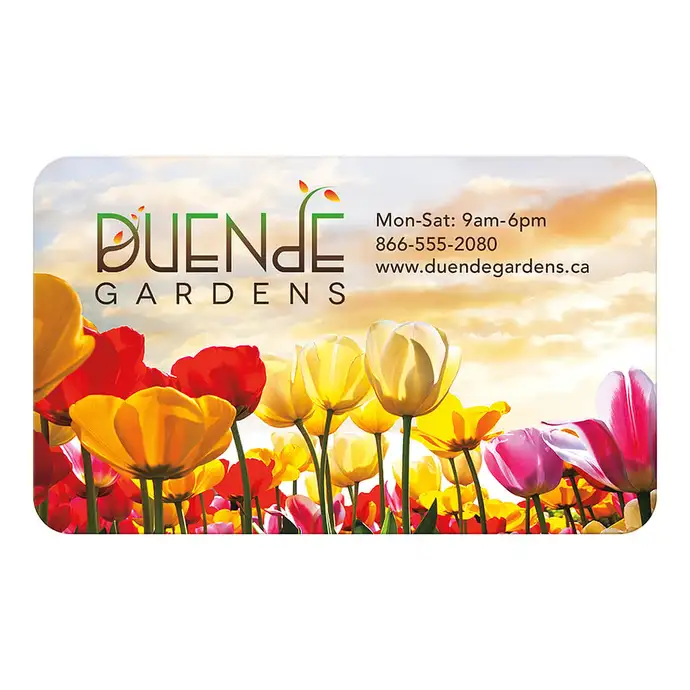
Pick a matte finish if people will write on your card or you want a calm, modern look. Pick glossy if your design leans on photos and bold color. Business card finishes change how a card looks, feels and survives a wallet. Test any finish with a pen before you commit.
| Finish | Look and feel | Watch for | Best for |
|---|---|---|---|
| Matte | Flat, non-reflective, easy to read | Colors look slightly softer than on gloss | Everyday networking and notes on the back |
| Glossy | Shiny, with vivid color | Shows fingerprints, harder to write on | Photography and bold brand colors |
| Soft-touch | Velvety, suede-like laminate | Usually costs more than standard matte | Executives and luxury brands |
| Uncoated | Natural paper feel | Colors look softer, not as vivid | Cards people write on |
Business card paper types also differ in texture and content. Coated stock has a smooth surface. Uncoated stock feels like fine paper. Textured business cards add a visible grain. Cotton and recycled stocks bring a softer, natural look, and recycled options vary in recycled content, so ask for the percentage. Our paper cards are matte with an aqueous coating.
What Are Foil, Embossed, Spot UV and Letterpress Business Cards?
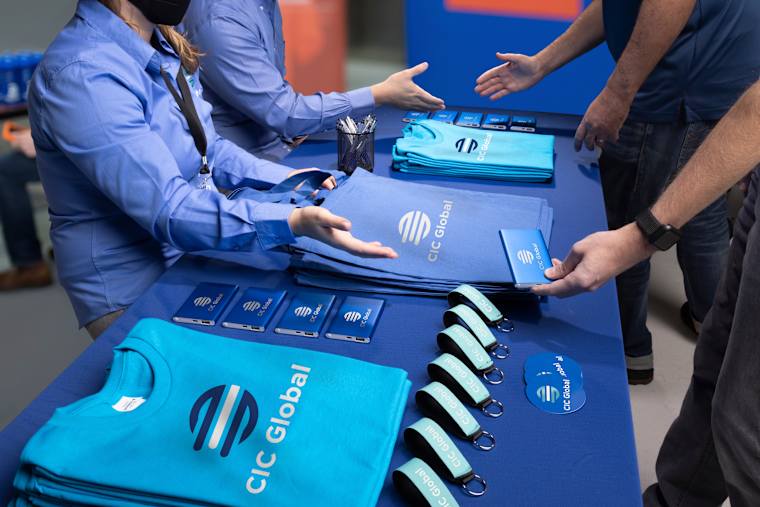
Specialty finishes are post-press enhancements that add texture, shine, or depth to your cardstock. Because they require extra production steps and custom tooling, they increase your per-card cost. They work best when applied selectively to a single focal point, like your logo or brand name, rather than across the entire layout.
| Finish | What it is | Best use |
|---|---|---|
| Foil stamping | Metallic or colored foil applied with heat, pressure and a die | A gold or silver logo or name |
| Embossing | A raised impression pressed into the card | A logo you can feel |
| Debossing | A recessed impression pressed into the card | Subtle, tactile branding |
| Spot UV | A glossy coating on selected areas | A shiny logo over a matte card |
| Letterpress | An inked, pressed impression into thick paper | Minimal designs on soft, heavy stock |
| Edge painting | Color applied to the card edge | A bold stripe when the stack is held |
A few rules keep these finishes sharp. Keep foil and embossed details bold, because hairline strokes can fail. Give spot UV its own artwork layer. Pair gloss effects with a matte base so the contrast shows. For layout and file setup, see our complete guide to making business cards.
Are Plastic, Metal and Other Business Cards Worth It?
Alternative materials are worth the investment when your business card needs to perform a physical or digital function that standard paper cannot. Plastic business cards stand out at events. Metal business cards feel heavy and permanent. A magnet stays visible, and a tap card shares your details instantly. We list the formats below, with specs from our product pages.
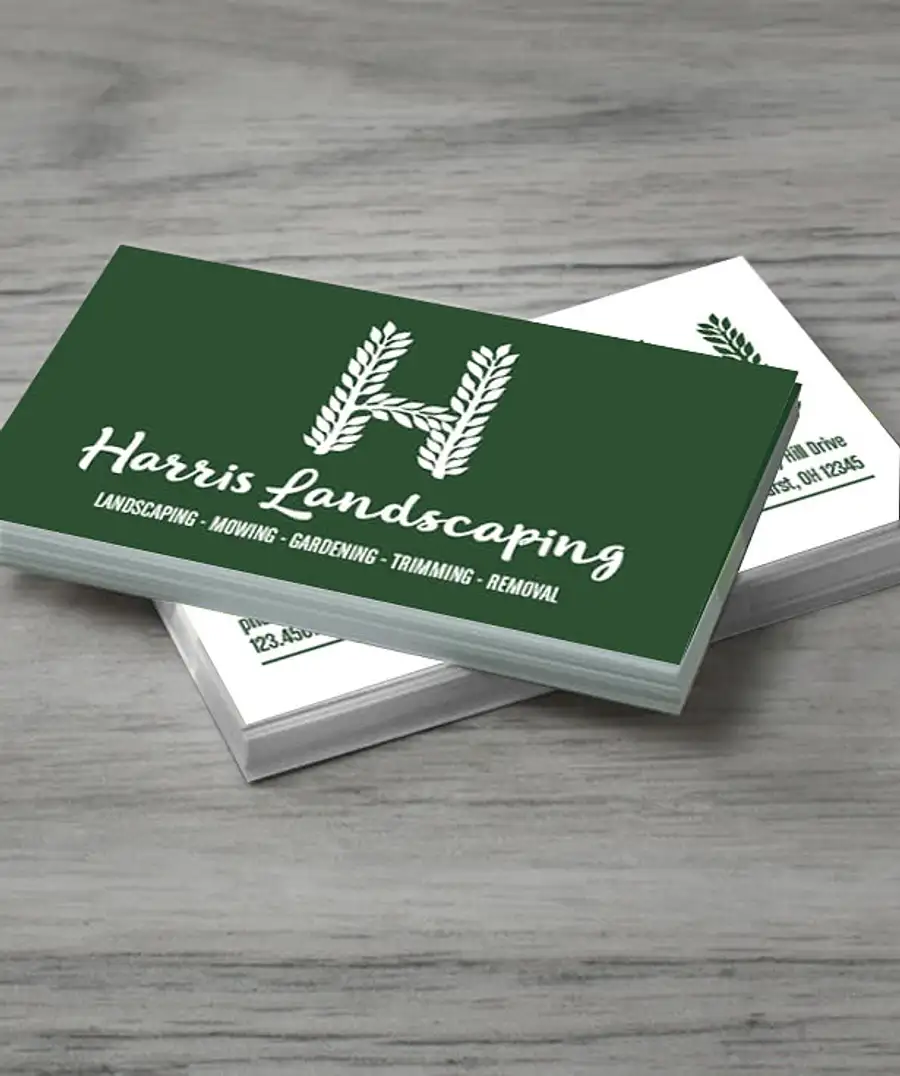
Full Color 2″ x 3.5″ Horizontal Business Cards: Matte Paper
- 120# cardstock with a matte finish
- Aqueous coating adds scratch and scuff resistance
- Double-sided printing available; minimum 100
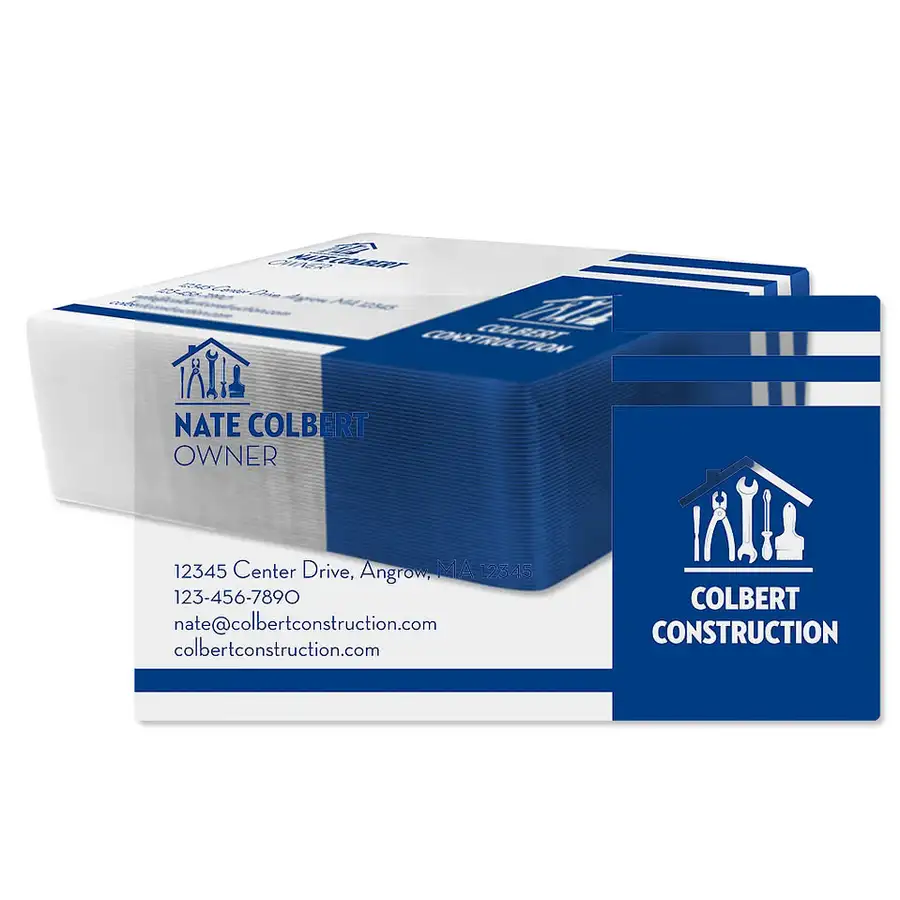
2″ x 3.5″ Horizontal Clear Plastic Business Cards: Plastic
- Plastic, 0.030″ thick
- Gloss finish for sheen and vibrant colors
- Size 2″ H x 3.5″ W; minimum 125
| Material | Specs we list | Best for |
|---|---|---|
| Clear plastic | 0.030″ thick; gloss finish; minimum 125 | Standing out at trade shows and sales visits |
| Business card magnet | 3.5″ x 2″; flexible, about .036″ thick; indoor use | Services people call again |
| Stainless steel holder | Laser engraved with no ink; holds about 10 cards; 3.7″ H X 2.8″ W X 0.2″ D; minimum 50 | A premium companion to paper cards |
| Popl digital card | PVC; 2.13″ H x 3.38″ W x 0.03″ D; tap or scan; no app for recipients; minimum 5 | Reps, recruiters and event staff |
Our laser-engraved stainless steel holder is marked with no ink or color, so expect a single-tone design. Keep tap cards out of metal cases, because metal interferes with NFC. Wood cards are often laser-engraved too, and thickness varies, so confirm it before you order.
Usefulness extends a card’s life. In the 2026 ASI Global Advertising Impressions Study, 78% of consumers said they keep promotional products because they find them useful. A magnet on a fridge or a tap card that shares your details earns its place. For more on how tap cards work, see our guide to digital and NFC business cards.
How Do You Choose Business Card Stock and Finish?

Start with the card’s job, then match the stock. This table gives our recommendation for each situation.
| If your card needs to… | Choose |
|---|---|
| Work for everyday networking and notes | Thick matte cardstock |
| Stand out on a crowded trade show floor | Clear plastic |
| Stay visible after the meeting | A business card magnet |
| Share your details in one tap | A Popl digital card, with paper as backup |
| Feel luxurious for a few key clients | A specialty finish such as foil or embossing, or an engraved metal holder |
Before any order, ask four questions. Is the weight on the cover or text scale? What is the thickness in points? What coating or finish is on the card? Can I see a sample or proof? Every order with us includes a free artist review, and our design experts can help you choose. Start in the Design Lab when you are ready.
Frequently Asked Questions
Q: What is the best paper for business cards?
For most people, thick matte cardstock is best. It looks clean, resists glare and takes a pen. Our paper business cards use 120# cardstock with a matte finish.
Q: How thick should business card stock be?
Thicker stock feels more substantial. Printers often list stock in points, where 14 pt is 0.014 inch and 16 pt is 0.016 inch. A credit card is about 30 pt (0.76 mm), which makes it a handy benchmark for a very thick card.
Q: What is the difference between matte and glossy business cards?
Matte cards are flat and non-reflective, and they are easier to write on. Glossy cards are shiny with vivid color, but they show fingerprints. Our paper business cards are matte.
Q: Are plastic business cards worth it?
They are worth it if you want to stand out. Our clear plastic business cards are 0.030 inch thick with a gloss finish, and they start at 125 per order. Paper stays better for notes.
Q: Can I write on a business card?
You can on most matte and uncoated stocks. Glossy and plastic cards resist ink, so test a pen first. If notes matter, choose matte.
Want more from Custom Ink? Add us as a preferred source on Google.

The Custom Ink Staff is a team of design enthusiasts and promo product experts dedicated to bringing your ideas to life. From screen printing secrets to the latest trends in custom gear, we draw on decades of collective experience to help you create something unforgettable.