How to Make a Business Card: The Complete Design & Ordering Guide
 Posted By Custom Ink Staff —
The Custom Ink Staff is a team of design enthusiasts and promo product experts dedicated to bringing your ideas to life. From screen printing secrets to the latest trends in custom gear, we draw on decades of collective experience to help you create something unforgettable.
SHARE:


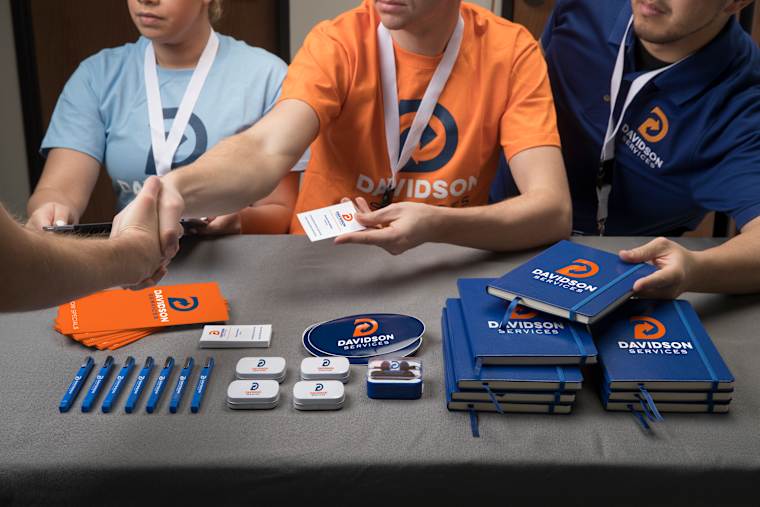
Every business card has the same ambition: to be slipped into a wallet, saved on a desk, or scanned into a phone. The key to creating a business card that builds connection is design. Nine in 10 of our business card orders are the classic 2-inch by 3.5-inch card, because standard sizes fit into people’s wallets. But sizing is only half the battle. What you put on that small canvas is what really counts.
Designing business cards that pay off comes down to nailing four basic decisions: editing your content down to essentials, picking a paper weight that feels premium, including your digital profiles, and hitting the right order volume. This guide explains each one, using the specs behind our own business cards, so your first order is the right one.
In This Article
- What to Put on a Business Card
- What Size Is a Business Card?
- How to Make Business Cards in Our Design Lab
- Business Card Paper and Material
- QR Codes and Tap-to-Share
- How to Prepare Business Card Files for Print
- Where to Print Business Cards and Order for a Team
- Frequently Asked Questions
Key Takeaways
- Start with a standard 3.5 x 2 inch horizontal card. It is the format people expect, so break it only for a clear reason.
- Build files with 0.125-inch bleed at 300 DPI, and keep contact lines at 8 pt or larger. Small file errors cause more disappointing cards than weak design.
- 47% of current card users aged 16 to 34 expect to still use physical cards in two years. Pair a paper card with a QR code or tap chip, and you cover both habits.
What Should You Put on a Business Card?

A business card succeeds when someone can find three core details in under two seconds: who you are, what you do, and how to reach you. Everything else is secondary.
| Put on the card | Leave off |
|---|---|
| Your name, set as the largest line | Fax numbers and second phone lines |
| Job title, in a smaller size | Every social handle (pick the one you use most) |
| Logo or company name | A street address, unless customers visit you |
| One phone number | Long taglines, which fit better on the back |
| Email address | Anything you would need to update every year |
| Website or a QR code | Low-contrast or cluttered decorative graphics |
For ideas on filling the back of your business card, see our double-sided business card ideas.
Choose Fonts and Colors That Are Legible
Tiny, low-contrast text is the fastest way to get a card thrown out. Stick to these baseline press rules for readability:
- Font size: Keep body text and contact info at 8 pt or larger. That is the hard minimum most professional printers recommend to prevent blurriness.
- Color contrast: Aim for high contrast between your type and paper stock. The standard Web Content Accessibility Guidelines (WCAG) call for a 4.5:1 contrast ratio. While created for screens, it is an excellent benchmark for avoiding hard to read color combinations on cardstock.
- Typeface selection: Choose clean sans-serif or crisp serif fonts designed for micro-typography. Our guide to fonts for business cards shows which styles stay readable at small sizes.
What Size Is a Business Card?

In the US, standard business cards measure 3.5 by 2 inches (88.9 by 50.8 mm), with a horizontal layout as the default.
Getting Your Print Files Production-Ready
If you’ve ever had a batch of cards show up looking like a misaligned DIY project, you already know industrial paper cutters don’t play around. Blade shifts happen during high-volume production. To make sure your design survives the drop-cutter intact, build your digital files with proper margins before sending them to your print provider.
- Trim size: 3.5″ × 2.0″ (The final dimensions of your finished card)
- Full bleed size: 3.75″ × 2.25″ (Extends background artwork 1/8″ past the trim line so you never end up with awkward white borders)
- Safe zone: Keep all vital text, logos, and contact info at least 1/8″ inside the trim line so nothing gets accidentally clipped.
Whether you’re prepping artwork in-house or partnering with commercial print shops across the US, sticking to these exact dimensions ensures a flawless print run every time.
| Layer | Inches | Millimeters | Pixels at 300 DPI |
|---|---|---|---|
| Trim (finished card) | 3.5 x 2 | 88.9 x 50.8 | 1050 x 600 |
| File with 0.125″ bleed | 3.75 x 2.25 | 95.25 x 57.15 | 1125 x 675 |
| Safe zone for text and logos | 3.25 x 1.75 | 82.55 x 44.45 | 975 x 525 |
Our Popl digital business card measures 3.38 by 2.13 inches, about the size of a credit card, so it fits the same wallet slot. For other regions and file templates, see our business card size guide.
How to Make Business Cards in Our Design Lab
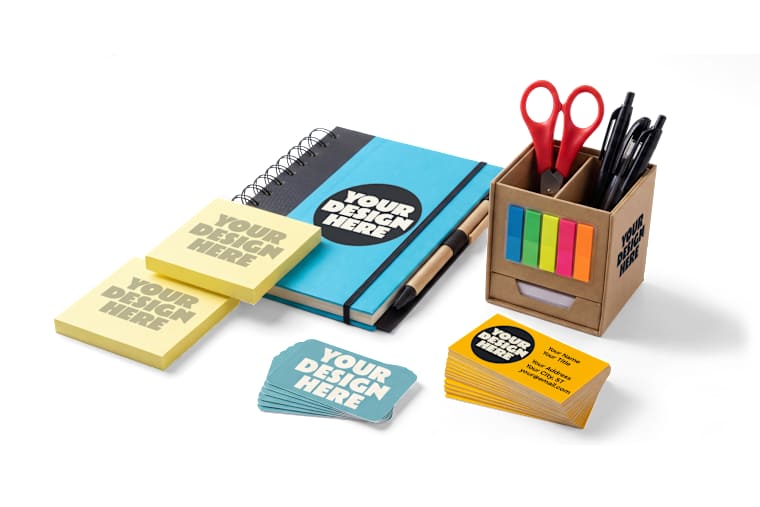
Learning how to design business cards online only takes six simple steps. And you don’t need a lick of design experience to do it right. If the thought of starting with a blank canvas gives you pause, you’re far from alone.
In our 2026 Unsung Hero Survey of over 500 custom gear buyers, only 41% felt confident designing from scratch. Another 28% admitted their biggest fear was printing a batch with typos or low-res logos. That is why the steps below end with checking.
That is exactly why this guide walks you through every detail, ending with a foolproof pre-flight check so your final cards look like they came straight from a design agency.
- Choose your card. Pick a horizontal card unless you need a vertical layout or a special material.
- Open the Design Lab. Our Design Lab lets you start from a free template or build from scratch.
- Add your logo and text. Set your name as the largest line, then your title, then your contact details.
- Design the back. Use it for a QR code, a short tagline, or leave it blank for handwritten notes.
- Read every number aloud. Check your phone number, email, and web address against the original, one character at a time.
- Place your order. Every order includes a free artist review, and our design experts can help if your logo needs cleanup.
Looking for inspiration before you start? Browse our unique and creative business card ideas.
Which Business Card Paper and Material Should You Choose?

When selecting paper for your business cards, choose matte cardstock for everyday networking. Matte stock is easier to write on than glossy stock, which is key if you need to jot down a number on the back.
Cardstock thickness is measured in points, where 1 pt equals 0.001 inch. Standard cards come in around 14 pt to 16 pt stock (roughly 120# cover weight).
Move to plastic, magnets, or a tap card when the business card has a special job and needs to do more heavy lifting.
| Option | Key specs | Minimum quantity | Best for |
|---|---|---|---|
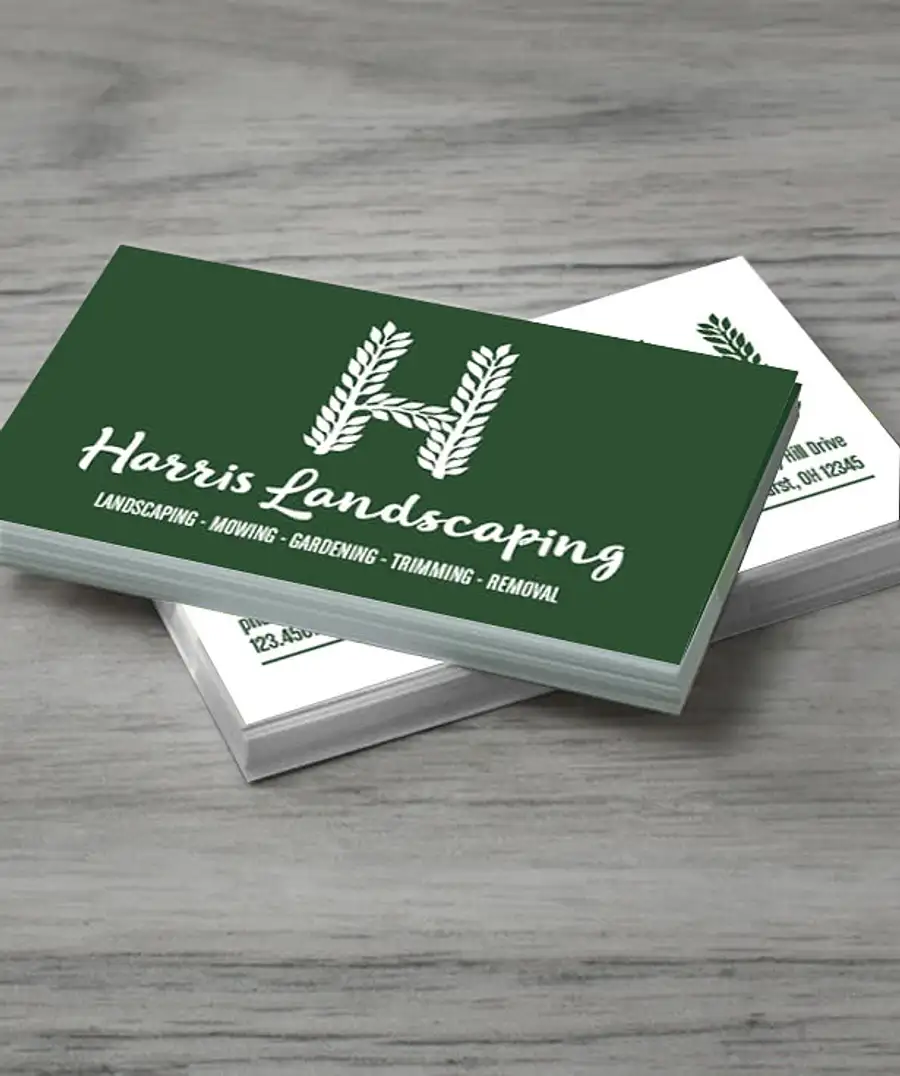
| Full Color 2″ x 3.5″ horizontal card | 2″ H x 3.5″ W; 120# cardstock, matte finish; aqueous coating for scratch and scuff resistance; double-sided printing available | 100 | Everyday networking & writing notes on the back |
| Clear plastic card | 0.030″ thick; gloss finish | 125 | Events and design-forward brands |
| Business card magnet | 3.5″ x 2″; flexible, about .036″ thick; indoor use | See Design Lab quote | Trades and services people call again |
| Full Color 4.25″ x 6″ flat card | 4.25″ x 6″; 120# cardstock, matte finish; double-sided printing available | 100 | Oversized leave-behinds and offers |
| Popl digital business card | PVC; 2.13″ H x 3.38″ W x 0.03″ D; tap or scan to share; no app needed for recipients | 5 | Sales reps, recruiters, and event staff |
For specialty finishes like metallic foil, embossing, or metal cards, see our full guide to business card paper, stock, and finishes.
When a Card Doesn’t Have to Be Paper
In our 2026 Swag Trends Survey of 1,000+ organizers, 67% said they only count a purchase a success if people use it voluntarily. Business cards face the same test. One customer found a creative answer.

“My husband is a professional BBQ competitor and we order his koozies from Custom Ink. We love them! Everyone loves them as we use them as business cards sometimes. This photo was at a BBQ competition last month.” (302 Smoke, June 2018)
A custom KOOZIE® can cooler carrying your name and number gets handled all weekend, making it the ultimate stand-in for paper cards at festivals, tailgates, and outdoor mixers where paper rarely survives.
Should You Add a QR Code or a Tap-to-Share Chip?
Adding smart technology to your business card makes sense if it drives contacts directly to a single action, like your booking page, portfolio, or contact card file.
The most effective strategy isn’t choosing between physical and digital; it’s using both strategically. Carry standard paper cards for everyday handshakes, and arm high-volume networkers with a digital tap card.
The data confirms paper isn’t dead, but tech is quickly taking over. A broad demographic study showed that while under half of younger professionals expect to rely solely on paper in the coming years, modern networking increasingly leans on instant digital transfer. Having both formats ensures you never miss a connection, regardless of how your contact prefers to save your details.
Designing an Effective QR Code
A scannable code bridges the gap between your physical card and your online presence. To ensure your QR code scans reliably every time:
- Maintain a clear safe zone: Keep a clear border around the entire code. QR inventor Denso Wave specifies a quiet zone four modules wide on all sides to prevent surrounding artwork from blocking the scan.
- Select Level M error correction: Choose error correction level M unless your design needs more. Standard level M (Medium) error correction restores up to 15% of corrupted data, making it the ideal balance between design durability and clean pixel density.
- Include a plain-text URL: Print the destination web address in small type directly beneath the code. This reassures users about where the link leads and provides a fallback if their camera won’t scan.
- Test across devices: Always scan your printed physical proof using both iOS and Android camera apps before running the full batch.
How Tap-to-Share (NFC) Technology Works
A tap card holds a short link, not your whole contact record. A common NFC chip, the NXP NTAG213, stores 144 bytes of user memory, enough for a web address. iPhone XS and newer models read NFC tags in the background.
Our Popl card combines built-in tap technology with a circle QR code, so older phones can still scan it. Keep tap cards out of metal holders when you tap, because metal interferes with NFC.
Want the full walkthrough? See our guides to QR code business cards and digital and NFC business cards.
How Do You Prepare Business Card Files for Print?

Check six things before you upload. Most reprints due to errors trace back to one of the following:
- Bleed: Extend backgrounds 0.125 inch past the trim on every side.
- Safe zone: Keep text and logos at least 0.125 inch inside the trim.
- Resolution: Use images at 300 DPI at the size you will print.
- Type size: Keep contact lines at 8 pt or larger, and avoid hairline weights.
- Contrast: Aim for a 4.5:1 ratio between text and background.
- Proof: Read every digit of your phone number and web address twice.
Slip-ups still happen, which is why every order includes an artist review. To see the most common ones, read our guide to business card mistakes to avoid.
Where Can You Print Business Cards, and How Do You Order for a Team?
You can print business cards online with us. Pricing adjusts live in the Design Lab as you change quantity and style, so you see your total cost before you commit.
We offer free standard shipping, and standard delivery arrives in about two weeks. Rush options are available at checkout, and our delivery options page lists the details.
Ordering for a team takes a little planning. Our paper cards start at 100 per order, while our Popl tap cards start at 5. That difference matters for teams that hire often. We suggest this approach:
- Agree on one layout first. Decide logo position, type sizes, and colors before anyone designs a card.
- Have each person confirm their details. Titles and phone numbers change often.
- Match quantity to need. Order a year of paper cards for people who meet clients often, and tap cards for new or high-turnover roles.
- Ask about volume. Our Custom Ink for Business team offers bulk discounts and online storefronts for larger programs.
Not sure which format fits? Our product experts are available seven days a week, and you can contact us any time.
Now you know how to make business cards that get kept. Put the essentials on a standard card, build the file with bleed, and add a QR code or tap chip. When you are ready, start in the Design Lab or browse our full range of custom business cards.
Frequently Asked Questions
Q: How do I make business cards?
To create custom business cards, choose a card, add your name, title, and contact details in our Design Lab, then place your order. Start from a free template or build from scratch. Every order includes a free artist review before printing.
Q: What size is a business card?
A standard US business card is 3.5 by 2 inches (88.9 by 50.8 mm). That is 1050 by 600 pixels at 300 DPI. Add 0.125 inch of bleed on each side for the file you upload.
Q: Can I order just a few business cards?
Our paper business cards start at 100 per order, and our clear plastic cards start at 125. If you need fewer, our Popl digital business card starts at 5.
Q: What should I put on the back of a business card?
Use the back for one job: a QR code, a short tagline, or blank space for notes. Our matte paper business cards offer double-sided printing.
Q: How long does it take to get business cards?
Standard delivery is free and arrives in about two weeks after you order. Rush options are available at checkout when timing is tight.
Q: Do business cards still matter?
Yes, with a caveat. An Ipsos poll found only 23% of adults in Great Britain have ever handed one out. But 47% of current users aged 16 to 34 expect to keep using them. A card with a QR code or tap chip suits both groups.

The Custom Ink Staff is a team of design enthusiasts and promo product experts dedicated to bringing your ideas to life. From screen printing secrets to the latest trends in custom gear, we draw on decades of collective experience to help you create something unforgettable.